Microsoft Designer

Microsoft Designer
Skills you’ll gain
With Microsoft Designer, you can go from a blank page to a polished logo, poster, or social post in minutes — and this course shows you exactly how.
You'll start with the basics: what Designer is, and how to find your way around the editor and its templates. From there you'll build real design skills — text, color, images, layout, and visual elements — so your work looks intentional rather than accidental.
Then you'll put Designer's AI to work. You'll generate original images from prompts, learn how to write prompts that actually get what you pictured, and clean up real photos with background removal, generative erase, and object repositioning. Finally, you'll apply everything to real-world projects and finish with a full brand campaign built end to end.
What you'll be able to do
- Create designs three ways — from a prompt, from a template, or from a blank canvas
- Apply design fundamentals with confidence: typography, colour palettes, backgrounds, layout, icons and stickers
- Generate images with AI using effective, repeatable prompts and prompt templates
- Edit photos like a pro — remove backgrounds, erase unwanted objects, blur, reframe and adjust
- Produce finished assets including logos and brand kits, posters, flyers, invitations, collages and presentation visuals
- Use Designer beyond the app through Copilot and Windows Photos
Who it's for
This course is built for aspiring and professional designers, as well as marketers, small business owners, and anyone who needs great visuals fast. No prior design experience or prerequisites required — just a free Microsoft account and some curiosity.
Work through the lessons in order, try each technique as you go, and by the capstone project you'll have a complete brand campaign of your own. Let's start creating!
Syllabus
Download syllabus-
1
Working with Text Learn how to add, style, and format text, including fonts and effects. 7m
-
2
Colors, Palettes, and Backgrounds Understand how to use color palettes and backgrounds to create visually appealing designs. 5m
-
3
Images and Media Discover how to upload and manage images, stock photos, illustrations, and shapes. 6m
-
4
Layout Essentials Learn about layers, alignment, grouping, and spacing to create clean and organized layouts. 9m
-
5
Icons, Stickers, and Visual Elements Incorporate icons, stickers, and other visual elements to enhance your designs. 6m
-
1
Prompt-to-Image with DALL-E Generate your first AI image using a text prompt and learn how to select and insert the result. 3m
-
2
Writing Effective Prompts Learn how to write clear and detailed prompts to control the subject, style, and mood of your AI-generated images. 4m
-
3
Prompt Templates and Editable Prompts Use and adapt prompt templates, edit open fields, and save prompts as reusable templates. 4m
-
4
Generating Asset Types Create specific asset types such as stickers, emojis, clip art, monograms, and avatars using AI. 4m
-
1
Edit with AI: Uploading and the AI Edit Toolset Upload photos and explore the AI edit toolset for various editing tasks. 3m
-
2
Background Removal and Blur Learn how to remove or blur backgrounds to focus on the subject. 4m
-
3
Generative Erase: Removing Unwanted Objects Use the generative erase feature to cleanly remove distractions and unwanted objects from photos. 5m
-
4
Move Objects, Frame and Adjust Learn how to move objects, frame images, and make adjustments to your photos. 4m
-
1
Creating a Logo & Brand Kits Explore how brand kits are handled in Microsoft Designer currently and create an on-brand logo for Brew and Bloom. 5m
-
2
Posters, Flyers and Invitations Create posters, flyers and invitations based off of one consistent template. 7m
-
3
Collages and Coloring Books Combine multiple photos into attractive collages and coloring books. 6m
-
4
Presentations and Visuals for Documents Design graphics for slides and documents, and integrate them into PowerPoint and Word. 5m
-
1
Designer in Copilot Use Designer through Copilot for ideation, mood boards and rapid concepts. 3m
-
2
Designer in Windows Photos Use Designer's AI edits from Windows Photos. 3m
-
1
Capstone: An End-to-End Brand Campaign Workflow Combine every skill to plan and produce a small multi-asset brand campaign for an independent bookshop, Foxglove Books & Bindery. 3m
Certificate
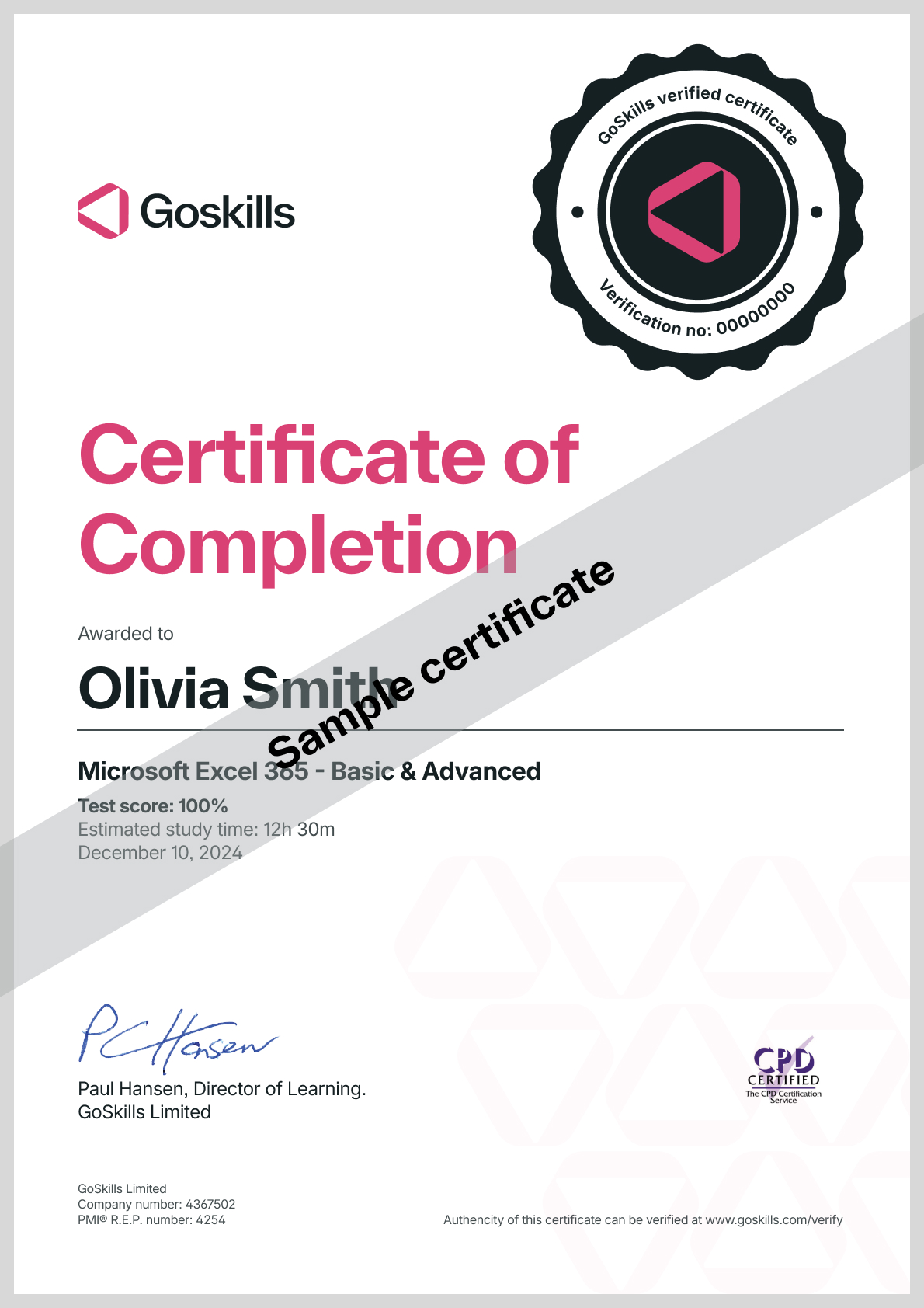
Certificate of Completion
Awarded upon successful completion of the course.
Instructor
Deborah Ashby
Deborah is a Microsoft MVP and TAP Accredited Microsoft Instructor and Content Creator specializing in the design and development of online training courses and video content.
Since the mid-1990s, she has been involved in the IT industry, starting her career on an IT Helpdesk for an airline at the tender age of 16. This sparked a passion for travel, and in 1997, she left the U.K. and moved to Melbourne, Australia, where she furthered her career as an Operations Analyst and programmer.

Deborah Ashby
Microsoft MVP and Trainer
Accreditations
Link to awards

How GoSkills helped Chris
I got the promotion largely because of the skills I could develop, thanks to the GoSkills courses I took. I set aside at least 30 minutes daily to invest in myself and my professional growth. Seeing how much this has helped me become a more efficient employee is a big motivation.