
The demand for skilled instructional designers is growing rapidly as organizations invest more in online learning and corporate training. But here’s the thing: not everyone sets out to become an instructional designer. Many professionals arrive here “accidentally” — subject matter experts who suddenly find themselves tasked with creating training programs, onboarding new employees, or building e-learning materials.
What does an instructional designer do?
An instructional designer starts by identifying learning needs, whether through assessments, work requests, or contracts, then defines the outcomes, skills, and scope the course needs to cover. From there, they clarify details like the topic, platform, audience level, and learning environment, and decide whether to develop the content themselves or bring in a subject-matter expert.
Instructional designers shape the actual learning experience through storyboards and scripts, then build it out using tools like Articulate or the GoSkills Course Builder. Once a course is built, they test and refine it before launch, evaluate how effective it was, and use those insights to keep creating new learning experiences that support learners.
Learn more from the video below.
Learn what an instructional designer does in under 3 minutes
The good news? You don’t need a master’s degree or a big budget to build strong instructional design skills. Today, there are many excellent free instructional design courses that can help you learn the essentials, gain confidence, and even create your first training program.
In this article, we’ll review the best free online instructional design courses — complete with pros and cons — and highlight how GoSkills resources can give you extra support on your learning journey.
Our recommendations: 7 Free courses for new instructional designers
| Course Name | Platform |
|---|---|
| 1. Train the Trainer | GoSkills |
| 2. How to Create an Online Training Course | GoSkills |
| 3. Instructional Design Foundations and Applications | Coursera |
| 4. Instructional Design Models | edX |
| 5. Instructional Design Principles to Create Successful E-Learning Courses | Alison |
| 6. Instructional Design for Online and Blended Courses | Udemy |
| 7. Become an Awesome Instructional Designer | Udemy |
1. Train the Trainer – GoSkills
Overview:
This course is for subject matter experts (SMEs), as well as new and seasoned trainers alike. In 1.5 hours, you will learn how to structure and deliver your course for maximum impact on your learners, whether training will be delivered in-person or online.
Pros:
- 100% free
- Course taught by prominent trainer and communications expert, TJ Walker
- Skills applicable to all levels
- CPD-accredited certificate upon completion
Cons:
- Does not cover complex adult learning models
Best for: Trainers keen on applying the practical side of fundamental instructional design
2. How to Create an Online Training Course – GoSkills
Overview:
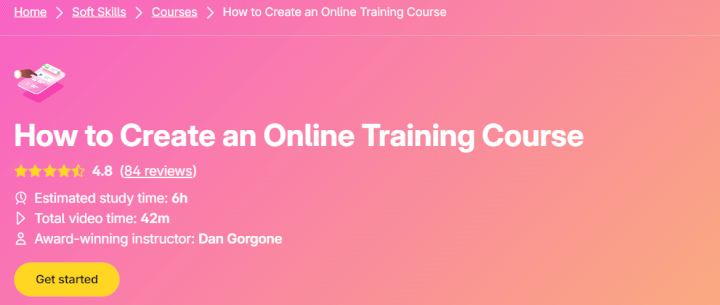
GoSkills offers a free, bite-sized course (42 minutes of video, 6 hours estimated study time) that walks you through planning, building, and launching your first online course.
 Pros:
Pros:
- 100% free
- Practical, step-by-step approach
- Designed with busy professionals in mind
- Perfect for “accidental instructional designers” who need hands-on guidance
- CPD-accredited certificate upon completion
Cons:
- Less emphasis on theory than university-led courses
- Works best when paired with GoSkills’ additional resources (see below)
Best for: New instructional designers ready to develop their own online training program quickly
Design better courses
Learn how to build and launch engaging training programs. Perfect for new instructional designers!
Take the free course3. Instructional Design Foundations and Applications – Coursera
Overview:
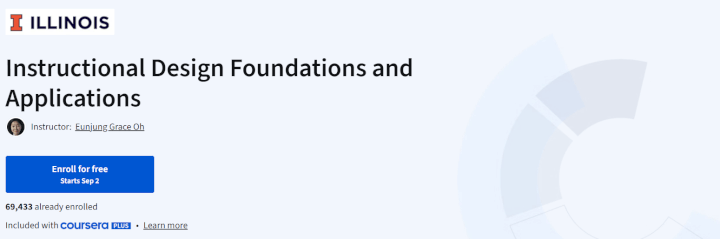
This foundational course introduces core ID theories, models, and processes, helping you understand the “why” behind instructional design decisions.
 Pros:
Pros:
- Comprehensive introduction to theory and frameworks
- Free to audit (videos, readings, and quizzes included)
- Structured by a respected university
Cons:
- Certification requires payment
- Heavy on theory, lighter on practical application
Best for: Beginners who want to understand instructional design at a conceptual level
4. Instructional Design Models – edX via Findcourses.co.uk
Overview:
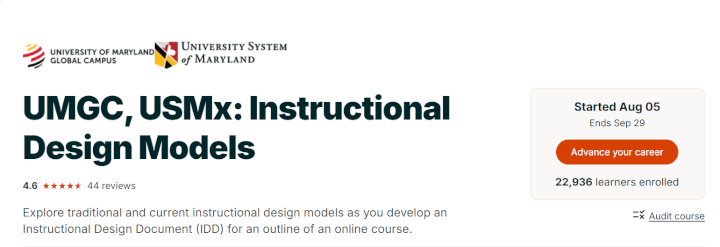
Covers ADDIE, Dick & Carey, Understanding by Design, and other key frameworks. Learners create an Instructional Design Document (IDD), a useful portfolio artifact.
 Pros:
Pros:
- Free to audit with strong academic backing
- Hands-on portfolio project included
- Focuses on multiple design models
Cons:
- Certificate requires payment
- Time-intensive (8 weeks)
Best for: Learners who want structured, project-based practice.
5. Instructional Design Principles to Create Successful E-Learning Courses – Alison
Overview:
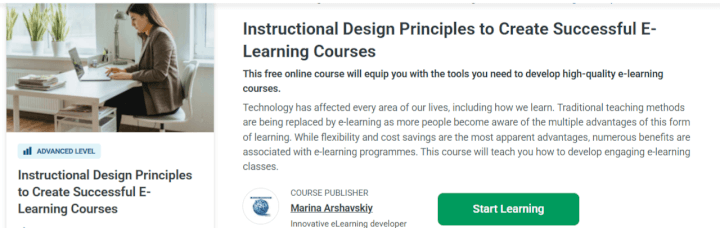
A short, self-paced course (~4–5 hours) focused on e-learning strategies, multimedia use, and learner retention.
 Pros:
Pros:
- Free with optional paid certificate
- Concise and accessible for busy professionals
- Strong focus on digital learning environments
Cons:
- Less in-depth than longer courses
- No peer interaction
Best for: Trainers or educators transitioning to online learning.
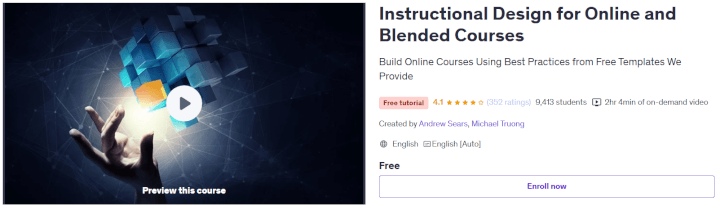
6. Instructional Design for Online and Blended Courses – Udemy
Overview:
Covers strategies for online and hybrid course design in under two hours, with examples of best practices.
 Pros:
Pros:
- Free, concise, and practical.
- Focuses on modern delivery formats (blended + online).
- Easy entry point for beginners.
Cons:
- Limited scope and no advanced concepts.
- No formal assignments or projects.
Best for: Trainers shifting from in-person to online/hybrid delivery.
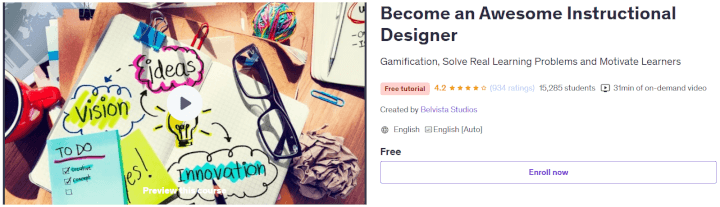
7. Become an Awesome Instructional Designer – Udemy
Overview:
A fast, 30-minute introduction to instructional design principles, roles, and best practices.
 Pros:
Pros:
- Very short and easy to complete
- Good confidence booster for beginners
Cons:
- Extremely surface-level
- Not enough depth for serious skill-building
Best for: Anyone curious about instructional design and wanting a quick taste before committing.
5 Free GoSkills resources for instructional designers
GoSkills supports learners far beyond a single course. Here are additional instructional design resources you shouldn’t miss:
1. GoSkills elearning platform for employee training
The GoSkills platform allows instructional designers to create, launch, and track elearning content in one place via its easy-to-use course builder and learning management system. The best part is that the platform has a generous free plan that allows organizations with limited budgets to deliver high-quality learning experiences.

2. Instructional design resource library
GoSkills offers a large collection of articles, guides, and blogs on topics like microlearning, e-learning strategies, and AI in course design. This is a perfect way to stay up to date.
Some key free resources include:
- Foundational framework guides, such as:
- Practical guides for creators, for example:
- GoSkills course gallery with upload-your-own-content templates in topics like:
- Cybersecurity Fundamentals
- Harassment & Bullying Prevention
- Workplace Health and Safety
Access the full GoSkills Instructional Design Resource Library here.
3. GoSkills L&D Explorers community
This is a free Slack-based community where L&D and instructional design professionals connect, share ideas, and provide feedback.
4. GoSkills YouTube – Learning & Development playlist
GoSkills regularly publishes video lessons on YouTube that break down key L&D and instructional design concepts, usually in under 3 minutes — perfect for busy people juggling multiple responsibilities.
5. GoSkills L&D Explorers podcast
Hosted by Dan Gorgone, this podcast features interviews from experts like Clark Quinn, Connie Malamed, and Bill Raymond, and covers everything from learner engagement to AI course creation. Available on Spotify, Apple Podcasts, and YouTube.
Comparison table: The best free instructional design courses
| Course | Platform | Pros | Cons | Best For |
|---|---|---|---|---|
| How to Create a Training Course | GoSkills | Practical, free, step-by-step | Light on theory | New or “accidental” IDs needing guidance |
| Instructional Design Foundations & Applications | Coursera | Comprehensive, free to audit | Certification costs, theory-heavy | Beginners seeking strong foundations |
| Instructional Design Models | edX | Multiple models, portfolio project | Time-intensive | Learners wanting structured practice |
| Instructional Design Principles to Create Successful E-Learning Courses | Alison | Concise, practical, free certificate option | Limited depth | Busy professionals shifting to e-learning |
| Instructional Design for Online & Blended Courses | Udemy | Practical for hybrid delivery | Limited scope | Trainers moving online |
| Become an Awesome Instructional Designer | Udemy | Very short, accessible | Too brief for serious skills | Curious beginners |
Best practices for launching your own course
Download the free step-by-step guide on how to develop an online training course.
FAQs
What is instructional design?
Instructional design is the process of creating effective learning experiences by applying proven models, theories, and methods. At its core, it’s about analyzing learners’ needs, defining clear objectives, and designing content that helps people gain knowledge or skills efficiently.
An instructional designer is the professional behind this process. Sometimes they have formal training in education or learning sciences, but many find themselves here “accidentally.” For example, a subject matter expert may be asked to train colleagues or create onboarding materials—and suddenly, they’re doing instructional design. Whether intentional or accidental, the role focuses on making learning engaging, structured, and impactful.
Are the above instructional design courses really free?
Yes — platforms like Coursera and edX let you audit for free (content access without graded assignments/cert). FutureLearn and OpenLearn offer free tiers; Alison courses are free with optional paid certificates. GoSkills offers several courses that are completely free; Train the Trainer and How to Create an Online Training Course are two examples.
Which course should I start with if I’m brand new?
Start with Instructional Design Foundations and Applications from Coursera for the core theory, then pair it with GoSkills’ practical build-and-publish workflow so you immediately apply concepts.
How do I show evidence of learning without paying for certificates?
Publish a micro-course sample, upload a storyboard, and share analytics or learner feedback — these artifacts often matter more than certificates in ID portfolios. Use the GoSkills Course Builder to create samples quickly.
Conclusion
Instructional design is a rewarding field that blends theory, creativity, and technology. Whether you’re here by choice—or you’ve found yourself an “accidental instructional designer” after being asked to train others—these free instructional design courses offer the perfect way to start building your skills.
From theory-based offerings like Coursera and edX to practical, step-by-step resources from GoSkills, you can choose the pathway that best fits your needs. And with GoSkills’ additional library, community, YouTube playlist, and podcast, you’ll never be short of free, expert-driven support.
The journey into instructional design doesn’t have to cost you anything—just your time, curiosity, and commitment to creating better learning experiences.
Design better courses
Learn how to build and launch engaging training programs. Perfect for new instructional designers!
Take the free course