Free Excel Tutorial | Learn Excel in an Hour

Excel in an Hour
Skills you’ll gain
Learn Excel in an Hour
The GoSkills Excel in an Hour course is a free online tutorial designed to help complete beginners crush everyday Excel tasks with ease.
This crash course for beginners covers the most common formulas, functions, and tools to boost your Excel skills and confidence.
The downloadable practice worksheets make it easy to learn Excel fast and apply new knowledge to real-world scenarios. Each step comes with a short quiz, so you can be confident you’ve mastered the skills you’ve learned.
This is one of the few free online Excel courses with a certificate included after completion!
What’s included:
- 16 easy-to-digest Excel tutorial videos
- Basic Excel formulas, charts, and shortcuts
- Downloadable exercise files and reference guides
- Unlimited quiz and test attempts
- Certificate of completion
Learn how to:
- Understand the difference between formulas and functions.
- Calculate and simplify data with functions like AVERAGE, SUM, COUNTIF and TODAY.
- Apply cell formatting that makes data visually appealing.
- Use dynamic conditional formatting to make critical information stand out.
- Manage workbooks, including how to rename, add, delete, move, and copy sheets.
- Group, sort, and filter to quickly organize your data.
- Easily transform numerical data into visual charts and graphs.
Every concept in this course can be used in all versions of Microsoft Excel, and was recorded using Excel 2019/365. No prior knowledge is needed in order to successfully complete this Excel course.
Once you've mastered these foundational skills, continue your journey with our most popular Excel course for professionals.
Syllabus
Download syllabus-
1
Formulas vs Functions What is the difference between a formula and a function? What's the structure of each? 7m
-
2
Formulas & Functions in Action Determining when it's best to use formulas vs. functions. Learn how to copy and paste formulas and functions. 3m
-
3
Using Functions to Simplify Data Solve common problems using essential functions. 6m
-
1
Cell Formatting Resize rows/columns, adjusting fonts, colors & alignment. 4m
-
2
Number Formats Change number formats to/from: date, currency/general. 3m
-
3
Conditional Formatting Format cells dynamically based on criteria which you define. 4m
-
1
Worksheet Management Edit worksheet by adding and removing rows and columns. 3m
-
2
Workbook Management Renaming, adding, deleting, moving and copying sheets. 3m
-
3
Sorting & Filtering Organize your data using sorts and filters. 4m
-
1
Creating Charts Make data more visually appealing by choosing from a variety of chart types. 4m
-
2
Formatting Charts Learn how to create title and various options for your chart, adjust data source and change chart type. 7m
-
1
Putting it all Together Change the way your worksheet appears onscreen. Customize the way data appears when printed. 5m
-
2
Excel Hacks & Tricks Useful shortcuts and tips for working with Excel sheets 6m
-
3
Excel Hacks & Tricks Part 2 Useful shortcuts and tips for working with Excel sheets 3m
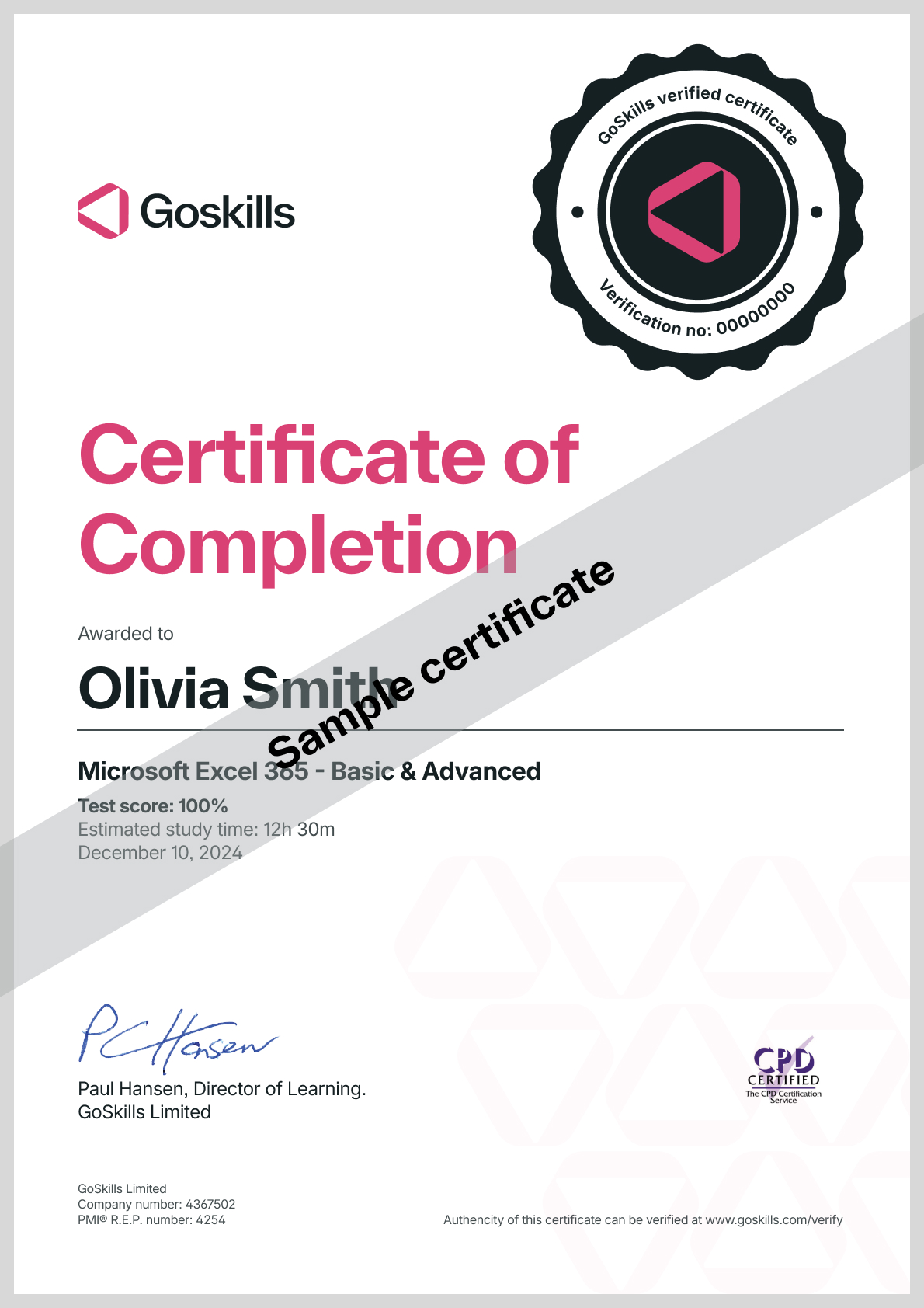
Certificate
Certificate of Completion
Awarded upon successful completion of the course.
Instructor
Claudia Buckley
Claudia Buckley is a corporate trainer who has spent over 20 years professionally training others.
She is a Subject Matter Expert in the aviation industry, specializing in technical and soft skills areas such as Microsoft Office, workforce management, customer service, sales, as well as industry-specific courses. She is a certified Microsoft Excel Expert.

Claudia Buckley
Microsoft Office Specialist - Excel Expert
Accreditations
Link to awards

How GoSkills helped Chris
I got the promotion largely because of the skills I could develop, thanks to the GoSkills courses I took. I set aside at least 30 minutes daily to invest in myself and my professional growth. Seeing how much this has helped me become a more efficient employee is a big motivation.