
Believe it or not, booking an LMS demo is an exciting milestone. It means you’ve realized your current approach to employee training isn’t scaling, or you’re ready to replace a platform that’s become more frustrating than helpful.
But most demos are designed to show what the vendor wants you to see, not necessarily what your organization needs to evaluate.
At GoSkills, we surveyed more than 80 buyers of learning management systems (LMSs) and found that 56% of organizations booking a demo are already comparing vendors. In other words, the demo is often the deciding moment — not the beginning of the buying journey.
This guide will help you ask sharper questions, uncover hidden costs, spot usability issues, and choose the right LMS for your team.
Choosing the LMS That’s Best For You
Learn how to evaluate learning management systems against your unique needs.
What is an LMS demo (and why it’s the deciding factor)
An LMS demo is a personalized walkthrough of a learning management system where a vendor shows you how the platform works based on your organization’s training needs and goals. It gives you the opportunity to evaluate usability, features, reporting, pricing, and implementation before making a purchasing decision.
Many buyers assume a demo is simply a product tour. In reality, it’s your best opportunity to determine whether an LMS will actually solve your organization’s training challenges, not just look impressive during a sales presentation.
In a recent GoSkills survey of LMS buyers, we found that:
- 56% of buyers booking a demo have already decided they need an LMS and are actively comparing vendors.
- Most attendees are executives, managers, HR professionals, or other decision-makers with purchasing influence.
- The biggest obstacle after requesting a demo isn’t price. It’s not having seen enough of the platform to make a confident decision.
In other words, don’t treat the session as a passive product tour. Treat it as your opportunity to evaluate whether the platform is the right fit for your organization.
Instead of asking yourself:
“Can this LMS do everything?”
Ask:
“Can this LMS solve the problems my organization actually has?”
Evaluating LMS platforms? Try our free LMS recommender and get a personalized shortlist.
What should you evaluate during an LMS demo?
The best LMS isn’t the one with the longest feature list.
It’s the one your employees will actually use.
In our recent survey of LMS buyers, we asked what mattered most when evaluating a new platform. The responses painted a remarkably clear picture: organizations consistently prioritize simplicity, transparent pricing, engaging learning experiences, and robust reporting over flashy capabilities.
Use the checklist below to evaluate each of these priorities during your LMS demo. It highlights what to look for and common pitfalls that can lead to costly mistakes after implementation.
Evaluation category | What to look for | Pitfall to avoid |
|---|---|---|
| Ease of use and simplicity | Can learners log in without assistance? Is navigation intuitive? Can administrators manage users without extensive training? | Feature bloat. Our framework shows that 60–80% of complex tools often go unused, overwhelming both administrators and learners. Prioritize usability over endless features |
| Price and contract flexibility | Is pricing transparent? Can you scale users gradually? Are seat counts flexible? Is monthly billing available? | Lock-in contracts. Watch for multi-year agreements disguised as introductory discounts or automatic renewals. |
| Engagement and interactivity | Does the platform support microlearning, videos, quizzes, certificates, and social learning? Can it keep learners engaged instead of becoming another forgotten training portal? | Outdated learning experiences. If content feels rigid or difficult to consume, adoption will suffer. Many buyers told us they wanted training that wasn’t “boring.” |
| Tracking, reporting, and analytics | Can managers easily monitor progress, completion rates, certifications, and compliance? Can reports be exported without manual work? | Reporting blind spots. If leadership can’t access meaningful KPIs, reporting quickly becomes a manual burden. |
Why ease of use ranks as a top priority during an LMS demo
Our research revealed one clear takeaway: ease of use is the single most important factor buyers evaluate when choosing an LMS.
Among the buyers we surveyed, ease of use ranked first, followed by pricing and contract flexibility, while engaging learning experiences came third.
That finding reflects what many L&D teams experience after implementation. An easy-to-use LMS is far more likely to drive learner adoption than one packed with features employees rarely use.
So, during your LMS demo, ask the presenter to demonstrate how easy it is to:
- Log in and navigate the platform from a learner’s perspective
- Create and assign a course with a due date
- Build a learning path
- Create your own course or upload existing learning content
- Complete a lesson with quizzes or other interactive activities
- Track learner progress and course completion
- Export reports
- Integrate with your HRIS or single sign-on (SSO) solution
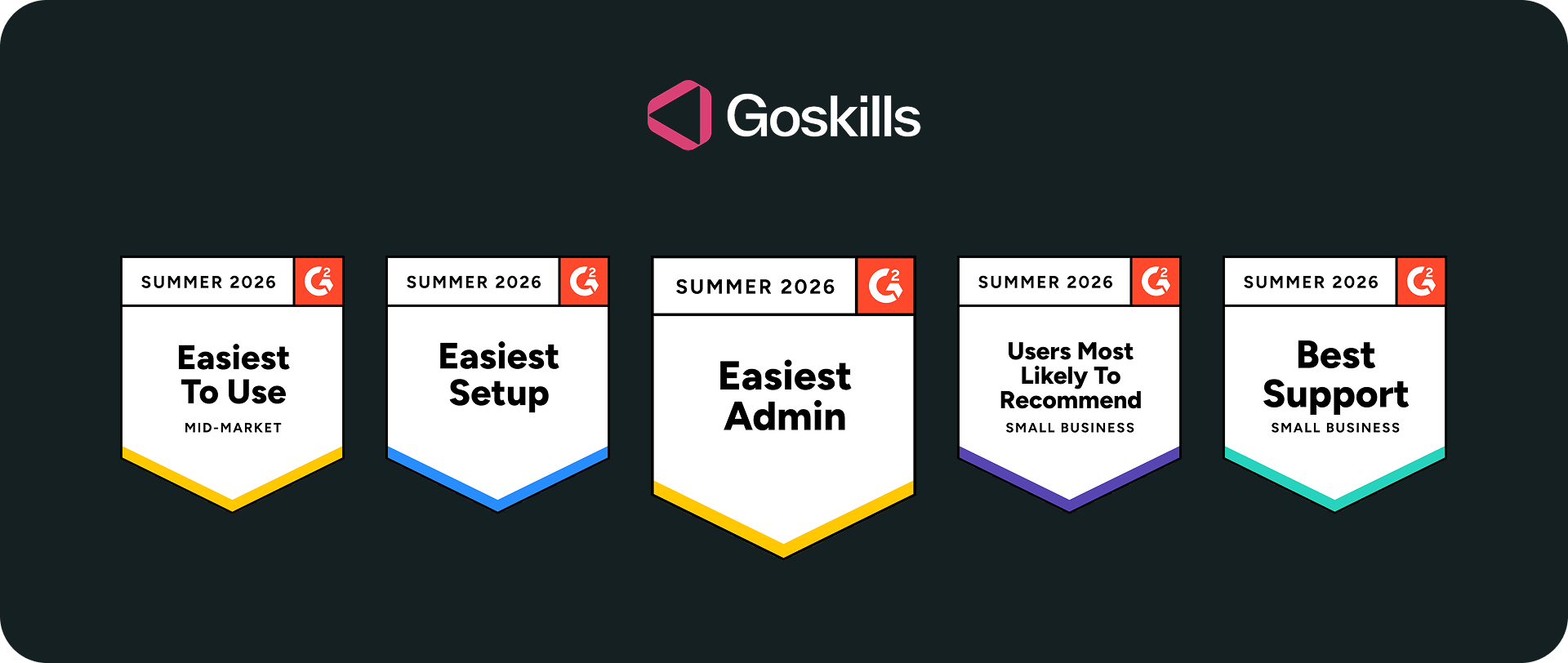
If ease of use is a priority for your organization, GoSkills is one platform definitely worth exploring. It has consistently earned G2’s Easiest to Use, Easiest Setup, and Easiest Admin badges, recognizing its intuitive experience for both administrators and learners.
Let's get you set up
Book a demo for a free trial of the GoSkills LMS — no credit card, no obligation.
Book your free trialAre AI features a deal-breaker during an LMS demo?
Artificial intelligence (AI) has quickly become one of the biggest talking points in LMS demos. Today, many platforms use AI to help create courses, recommend learning content, personalize learning paths, answer learner questions, and automate administrative tasks.
However, our research suggests that buyers still prioritize the fundamentals. Ease of use, transparent pricing, reporting, learner engagement, and implementation support consistently ranked higher than AI-powered capabilities when evaluating a new platform.
That doesn’t mean AI isn’t important. It simply means it delivers the greatest value when built on top of an intuitive, well-designed learning platform.
Once those foundations are in place, AI can become a genuine productivity booster. Features like AI-powered course creation, personalized learning recommendations, and intelligent content discovery can help administrators save time while creating a more engaging learning experience.
If personalized, AI-driven learning is high on your priority list, you may also want to explore Learning Experience Platforms (LXPs), which are designed to deliver more personalized and learner-centric learning experiences.
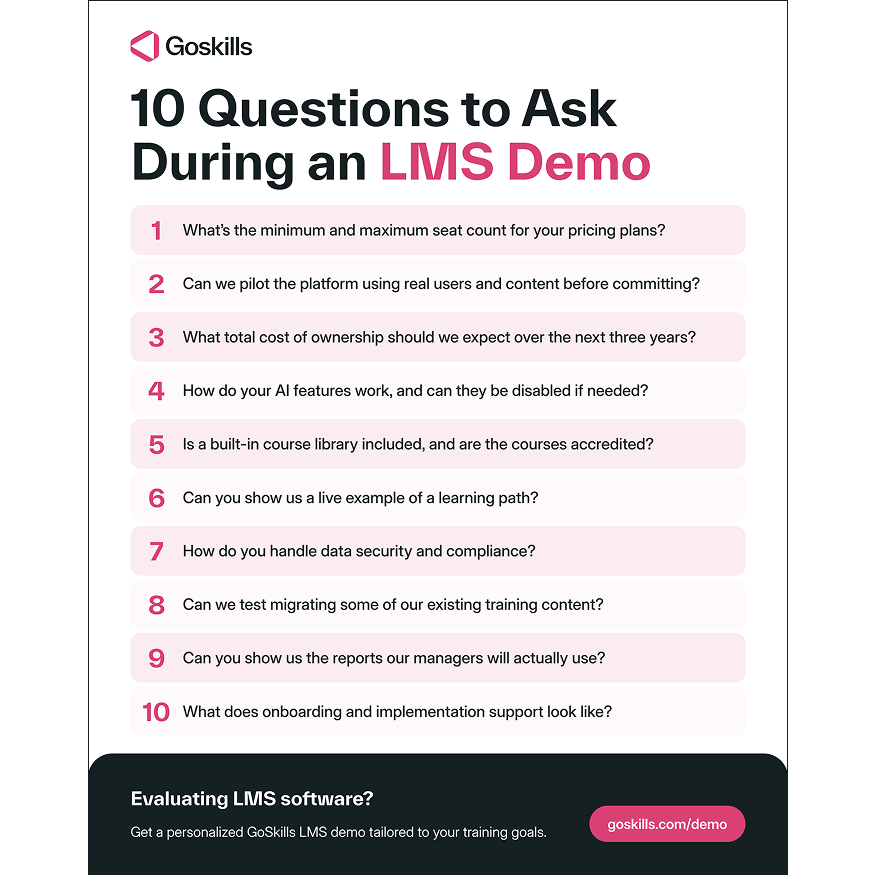
10 key questions to ask during your LMS demo
Remember, you’re evaluating whether the platform can support your organization for years to come, not how polished the presentation is.
Use the questions below to guide the conversation and uncover potential red flags before they become costly implementation challenges.
1. What’s the minimum and maximum seat count for your pricing plans?
Pricing models vary widely between LMS providers. Make sure you understand how costs change as your organization grows.
Ask about:
- How pricing scales as you add users
- Whether learner seats can be reassigned
- Additional charges for administrators or instructors
- Monthly versus annual billing options
2. Can we pilot the platform with real users and content before committing?
A product demo isn’t the same as using the platform yourself. Whenever possible, request an LMS free trial or proof of concept so you can evaluate the platform using your own learners and training content.
A pilot should allow you to:
- Import existing learning content
- Assign courses to real learners
- Evaluate reporting
- Collect learner feedback
- Measure adoption
3. What total cost of ownership should we expect over the next three years?
The subscription fee is only part of the investment. Compare the total cost of ownership (TCO), not just the advertised price.
Ask what’s included in:
- Platform licensing
- Course libraries
- Implementation
- Customer support
- Integrations
- Future user growth
4. How do your AI features work, and can we opt out if needed?
AI capabilities are evolving quickly, but it's important to understand how they’re being used.
Ask:
- Which features use AI
- Whether administrators can disable AI features
- How learner data is handled
- How user privacy is protected
5. Is a built-in course library included, and are the courses accredited?
Not every LMS includes learning content.
Clarify:
- Whether courses are included in your subscription
- Which certifications or accreditations are available
- How frequently content is updated
- Whether you can upload your own learning content
6. Can you show us a live example of a learning path?
Learning paths are much easier to evaluate when you see them in action.
Ask the presenter to demonstrate:
- Course prerequisites
- Role-based learning paths
- Automatic enrollments
- Certification pathways
- Learner progress tracking
7. How do you handle data security and compliance?
Security should never be an afterthought.
Ask about:
- Data residency
- SOC 2 Type II certification
- GDPR or regional compliance
- Role-based permissions
- HRIS and identity provider integrations
8. Can we test migrating some of our existing content?
Migration challenges often don’t appear until implementation begins.
Ask the vendor to test, for example:
- Existing SCORM packages
- Videos and PDFs
- Assessments
- Learner records
9. Can you show us the reports our managers will actually use?
Reporting is one of the biggest reasons organizations replace an LMS.
Ask to see reports for:
- Course completion
- Learner progress
- Compliance status
- Certification renewals
- Exportable dashboards and CSV files
10. What does onboarding and implementation support look like?
Even the best LMS can struggle without proper implementation support.
Ask about:
- Dedicated onboarding
- Migration assistance
- Administrator training
- Customer success resources
- Documentation and response times
Frequently Asked Questions (FAQs) about LMS demos
I’m still exploring LMS software. Do I need to book an LMS demo?
Not necessarily. Modern LMS platforms, like GoSkills, offer a free plan that lets you explore key features before speaking with sales. Once you’ve narrowed down your shortlist, a personalized LMS demo becomes much more valuable. It’s your opportunity to ask detailed questions, evaluate specific workflows, and confirm the platform meets your organization’s training needs before making a final decision.
Who should attend an LMS demo?
Invite the people who will influence both the purchasing decision and the rollout. That often includes HR, L&D, IT, department managers, and executive stakeholders. Bringing multiple perspectives to the demo helps ensure the platform meets your organization’s technical, administrative, and learner needs.
How do I make the most of my LMS demo?
Most LMS demos last 30 to 60 minutes, so it’s worth coming prepared. Before the session, share your training goals, team size, and must-have requirements so the vendor can tailor the demonstration to your organization. After the demo, consider requesting an LMS free trial so you can evaluate the platform using your own learners and content before making a long-term commitment.
Should I compare multiple LMS vendors before making a decision?
Yes. Our survey found that many organizations booking an LMS demo are actively comparing platforms. Evaluating two or three vendors makes it easier to compare usability, pricing, reporting, implementation, and overall fit before making a long-term decision.
Not sure where to start? Try our free LMS recommender quiz. Answer a few quick questions, and we’ll generate a personalized shortlist of learning platforms tailored to your organization’s needs.
Ready for your next LMS demo?
A successful LMS demo isn’t about watching a polished product presentation. It’s about determining whether a platform can support your training goals today and as your needs evolve.
By focusing on usability, transparent pricing, engaging learning experiences, reporting, and implementation support, you’ll be far better equipped to compare vendors and choose an LMS your employees will actually use.
If you’re still exploring your options, create a free GoSkills business account to explore the platform at your own pace, build courses, and see whether it’s the right fit for your organization.
Once you’ve narrowed down your shortlist and are ready to dive deeper, book a personalized GoSkills LMS demo. We’ll tailor the session to your organization’s training goals, answer your questions, and show you how the platform can support your team.
Let's get you set up
Book a demo for a free trial of the GoSkills LMS — no credit card, no obligation.
Book your free trial