
The best free and affordable LMS platforms for small businesses are GoSkills, Canvas LMS, Google Classroom, LearnDash, Moodle, SafetyCulture, Sakai, TalentLMS, Thinkific, and Zoho Learn. Each offers either a genuine free plan or a low-cost entry tier, making them accessible options for growth-driven teams on a tight training budget.
Skills development helps companies improve performance, stay competitive, and support long-term growth. But training doesn’t have to come with an enterprise-level price tag. That’s why finding an affordable Learning Management System (LMS) is so important, especially for small and mid-sized businesses. With plenty of budget-friendly options available, the focus should be on finding one that offers the best value for your organization’s needs.
Is a low-cost LMS any good?
Choosing a free or budget-friendly LMS to upskill your team might seem like a major compromise. That’s not necessarily the case. In fact, some of the world’s most popular digital products, including those from Microsoft, Facebook, and Google, offer powerful free services. The same goes for learning management systems.
Affordable doesn’t have to mean lower quality. The best LMS is the one that delivers the most value for your budget.
To make a well-informed decision, consider the track record and support community behind each platform on your shortlist. An affordable LMS doesn’t mean you have to skimp on quality. When doing your research, look for platforms with strong reviews on independent rating sites and an active user community. Together, these can give you a good sense of the platform’s quality, reliability, and long-term value.
Best free and affordable learning management systems (LMS) for small businesses
If you run a small business, choosing the right LMS can have a significant impact on both your employee training program and your business outcomes. The good news is that you don’t have to sacrifice quality to stay within budget.
Below is a quick comparison of the 10 best affordable LMS platforms, followed by a closer look at each option.
| 10 Free and Affordable Learning Management Systems (LMSs) for Small Businesses | |||
|---|---|---|---|
| LMS | Free plan | Pricing model | Best For |
| GoSkills LMS | Yes (unlimited learners) | Tiered subscription (monthly or annual, from 2 seats) | Small businesses and growing teams seeking built-in courses and AI-powered course creation |
| Canvas LMS | No (self-hosted only) | Custom pricing | Educational institutions |
| Google Classroom | Yes (eligible institutions) | Workspace for Education plans | Schools, nonprofits, and Google Workspace for Education users |
| LearnDash | No | Annual license or monthly cloud plan | Selling courses on a WordPress site |
| Moodle | Yes (self-hosted) | Free self-hosting or paid cloud hosting | Full customization on a tight budget |
| SafetyCulture | Yes (up to 10 users) | Per-seat subscription | Frontline teams needing training integrated with inspections |
| Sakai | Yes | Free, open source | Research and education collaboration |
| TalentLMS | Yes (up to 5 users) | Tiered subscription | Simple setup with room to scale |
| Thinkific | No (30-day trial) | Tiered subscription | Creating and selling online courses |
| Zoho Learn | Yes (up to 5 users) | Per-user subscription | Teams already using the Zoho ecosystem |
Looking for a broader comparison that includes enterprise platforms and more specialized solutions?
Explore our guide to the best LMS platforms.
1. GoSkills LMS
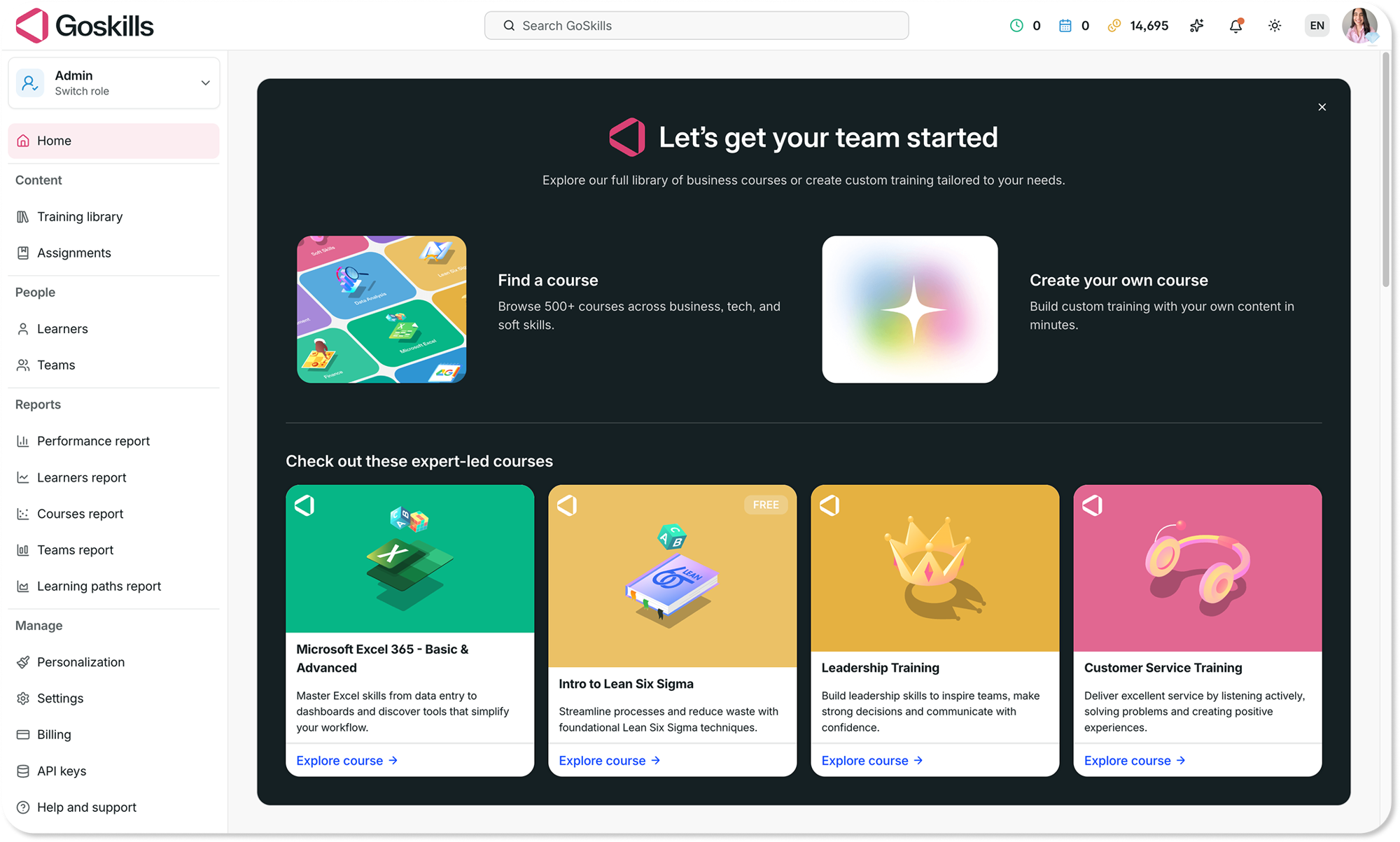
GoSkills is a cloud-based LMS and learning experience platform (LXP) built for small businesses and growing teams. It combines AI-powered course creation, a built-in course library, and intuitive administration to help organizations launch employee training in hours, not months.
| Features | AI-powered course creation, 500+ expert-led courses, gamified microlearning, reporting and analytics, training automation. |
|---|---|
| Pros | Easy to use; quick to implement; free plan available; transparent pricing. |
| Cons | White-labeling options are limited compared to some competitors. |
| Pricing model | Free plan for unlimited learners. Paid plans are available through tiered monthly or annual subscriptions, starting from just two seats. Organizations with larger or custom requirements can also contact GoSkills for tailored pricing. See GoSkills pricing for the latest plans and features. |
Boost your business
Get access to free courses and resources to unlock your business' potential — it only takes a minute!
Claim your free business account2. Canvas LMS
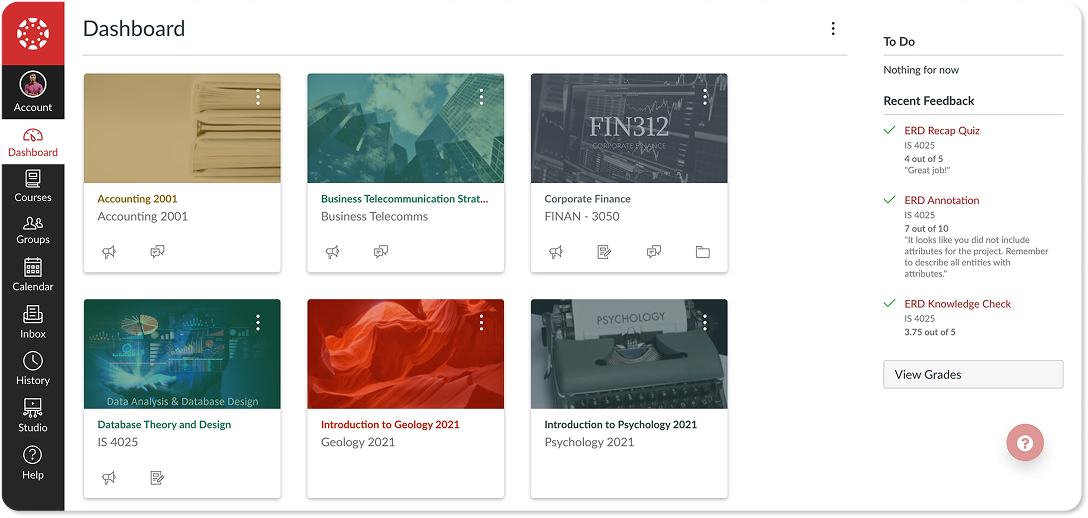
Canvas LMS is a scalable open-source elearning platform originally designed and still largely used for educational applications.
| Features | Course authoring, assignments, learning administration, content library, tests engine, gamification, progress tracking and reports. |
|---|---|
| Pros | Scalable and easy to use. |
| Cons | Lack of customization features and challenges with customer support. |
| Pricing model | Canvas LMS is free as open-source software to self-host. Instructure’s hosted institutional pricing is custom-quoted and not publicly listed; Instructure also discontinued its free-for-teacher account in 2026 following a security incident. |
3. Google Classroom
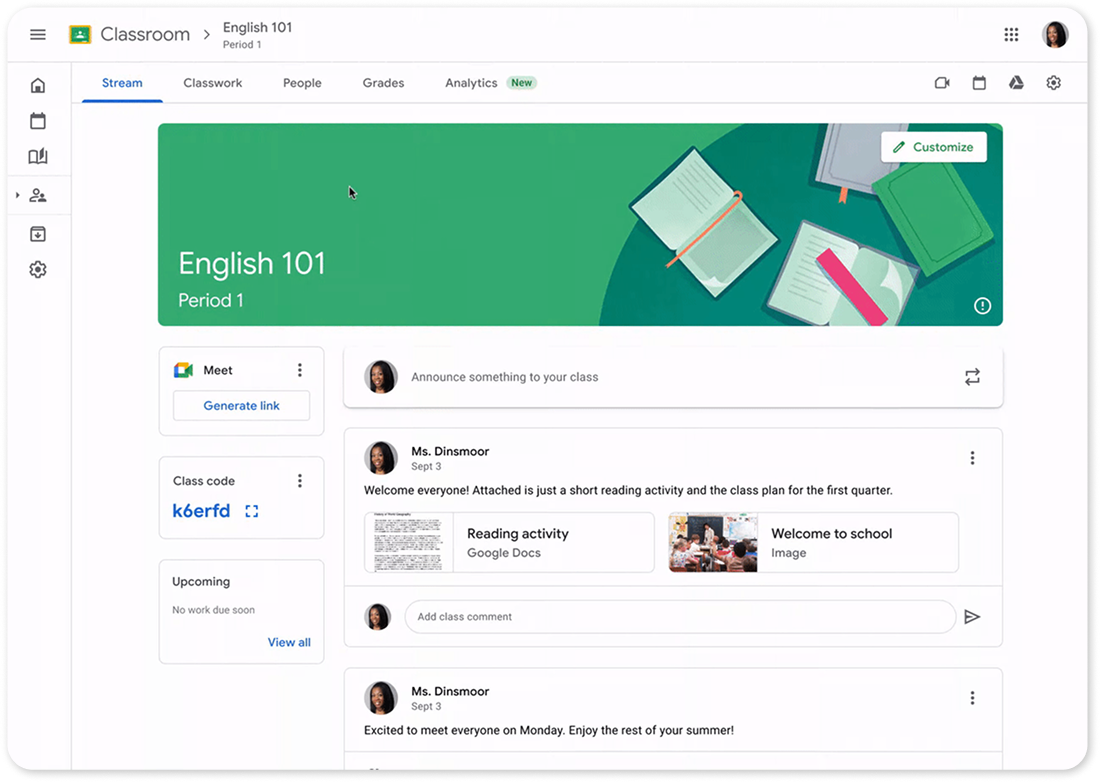
Google Classroom is a blended learning platform that is provided free of charge for schools, non-profit organizations, and G-Suite users.
| Features | Assignments, course categories, grade management, class communication, course archiving, mobile app version. |
|---|---|
| Pros | Free to use and easy to set up, seamless integration with other Google apps and collaboration tools. |
| Cons | Limited content structuring and third-party integrations. Free access is restricted to eligible schools, nonprofits, and Google Workspace for Education accounts. |
| Pricing model | Free for eligible institutions. Advanced features are available through Google Workspace for Education paid plans. |
4. LearnDash
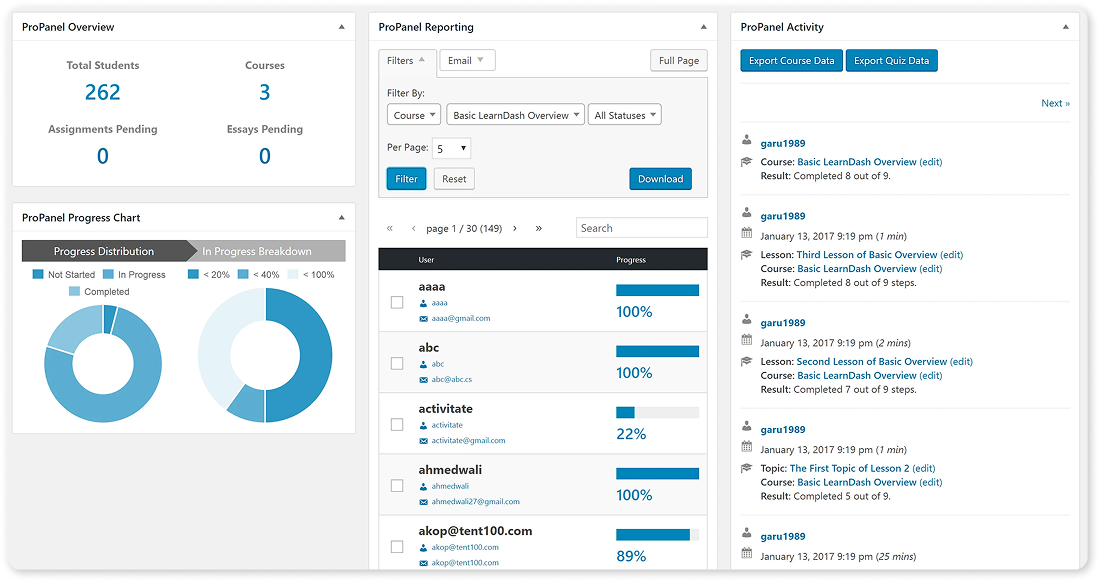
LearnDash is a WordPress plugin that turns a WordPress site into a learning platform for creating and selling courses, administering quizzes, and awarding certificates.
| Features | Role assignments, course creation, attendance tracking, test/assessment engine, support for many learning approaches, reporting, built-in shopping cart. |
|---|---|
| Pros | Easy integration with the widely used WordPress platform; extensive user and developer community. |
| Cons | Only suitable for WordPress sites. Setup requires some technical expertise. |
| Pricing model | Annual licenses are available for single-site and multi-site WordPress installations. LearnDash Cloud is also available as a hosted subscription. |
5. Moodle
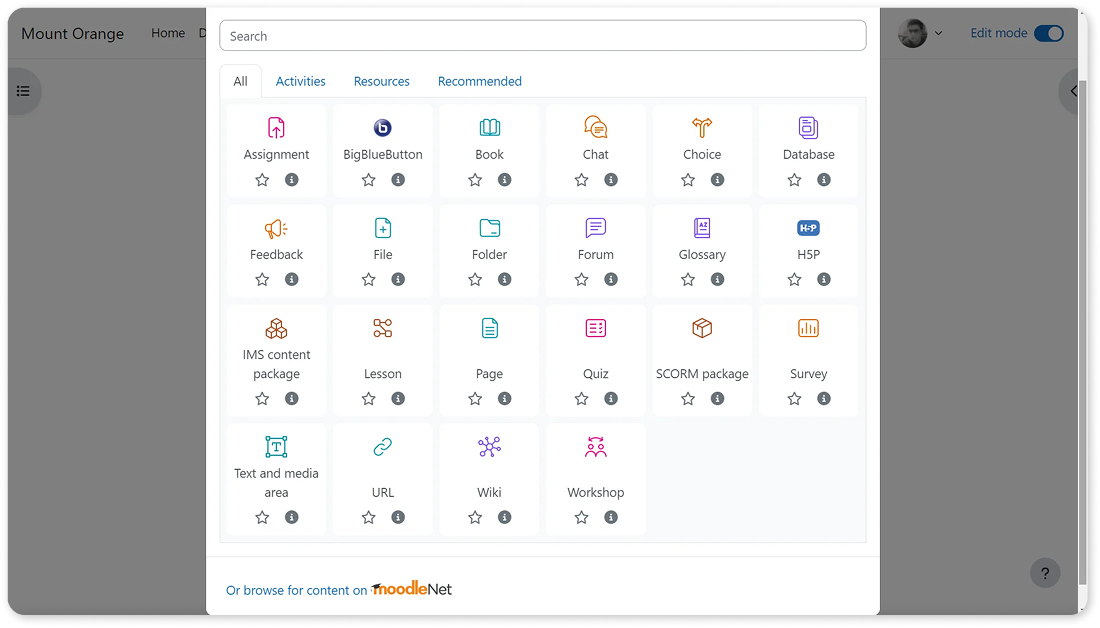
Moodle is a free and open-source learning platform typically used by schools, colleges, and companies for distance education, blended learning, and workplace training.
| Features | Course authoring, course library, assignments, learning administration, and compliance with elearning standards (SCORM, AICC HACP, LTI, and IMS). |
|---|---|
| Pros | Long development history, active support community, and robust progress tracking features. |
| Cons | Mixed user feedback on various review sites, with many negative comments about its lack of customization features and complex navigation/user interface. |
| Pricing model | The core software is free to self-host. MoodleCloud offers paid hosted plans for organizations that prefer managed hosting. |
6. SafetyCulture (formerly SC Training/EdApp)
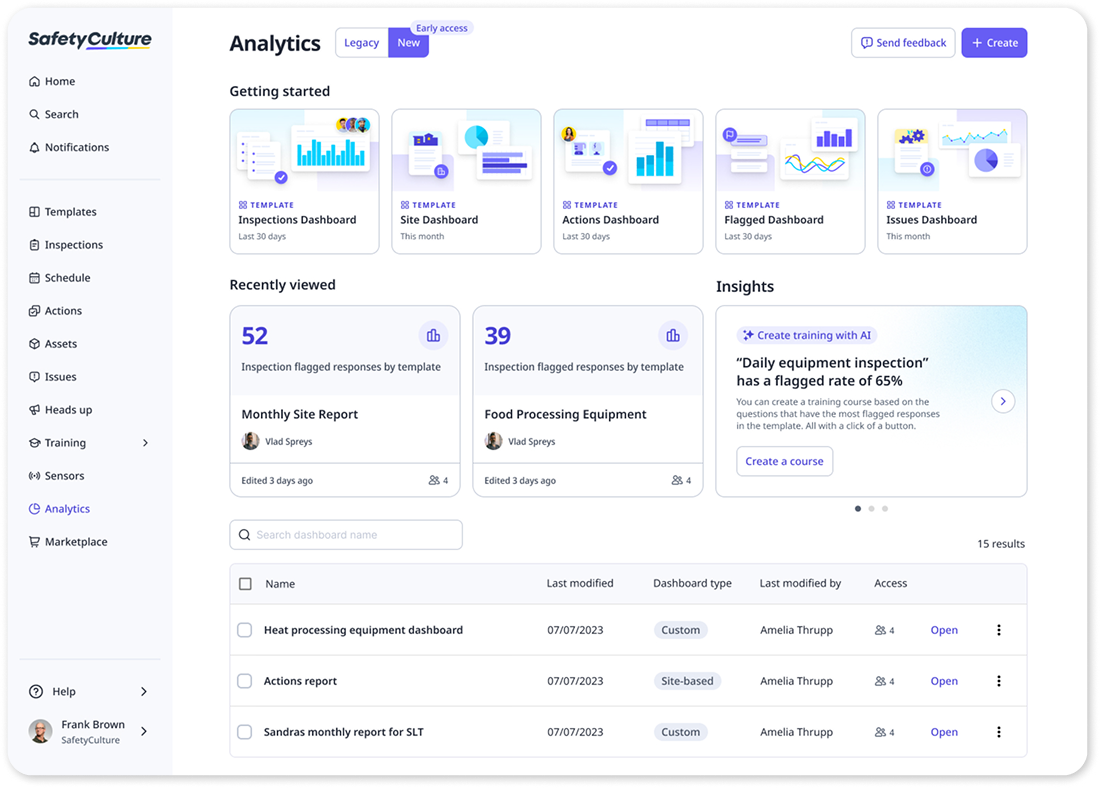
SafetyCulture integrated SC Training (formerly EdApp) into its core platform in 2026. Training now lives inside the core SafetyCulture platform, alongside its digital inspections, checklists, and operational workflows, making it a mobile-first option for frontline and deskless teams.
| Features | AI-powered course creation, mobile learning with offline access, multilingual support, inspections and operational workflows. |
|---|---|
| Pros | Free plan, built for frontline teams, integrates training with inspections and audits. |
| Cons | No longer available as a standalone LMS. Quiz editing and content customization are limited after publishing. |
| Pricing model | Free plan for up to 10 users. Paid plans use a per-seat subscription model, with custom Enterprise pricing available. |
7. Sakai
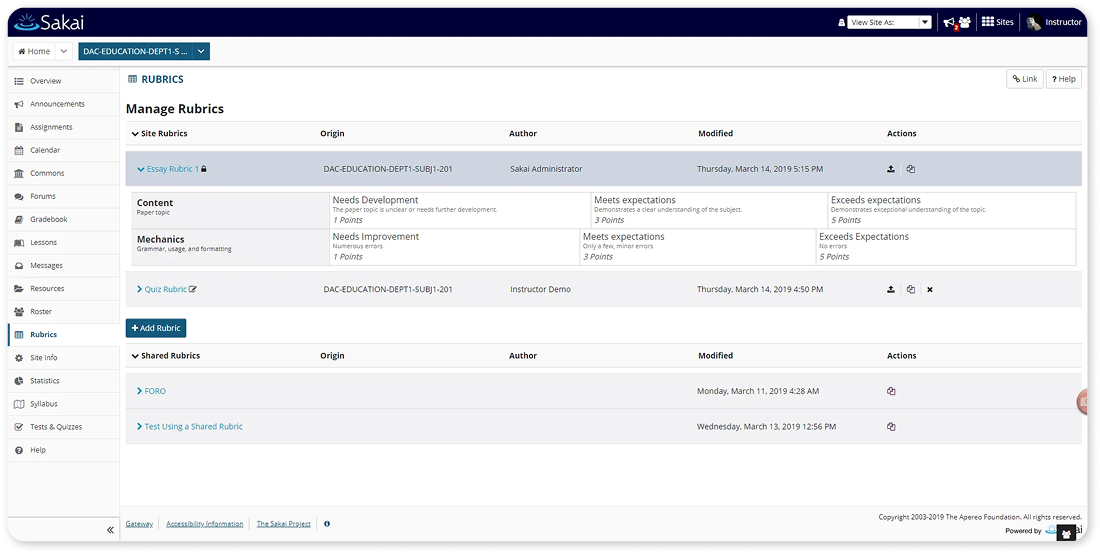
Sakai is a free, open-source elearning platform designed to support research, training, education, and collaboration.
| Features | Course authoring, tests engine, reporting, grade management, certifications, and mobile support. |
|---|---|
| Pros | Developed for scalability, reliability, interoperability, and compliance. |
| Cons | Basic software build might require significant enhancements and customizations to serve different business requirements and goals. |
| Pricing model | Sakai is free to download, use, and customize. |
8. TalentLMS
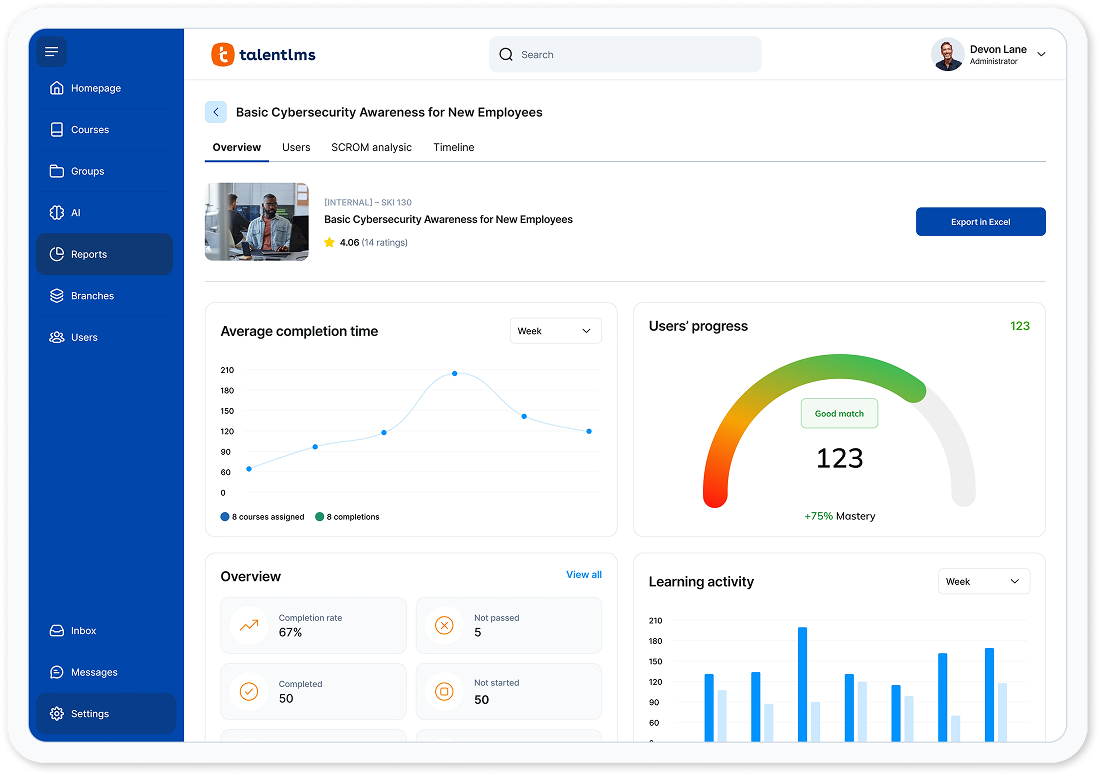
TalentLMS helps companies organize training programs to keep learners on track, deliver engaging courses on any device, and scale skills development through reporting and automation.
| Features | Content creation, management, and delivery; assessments, practice, and tracking engine; course library; learning administration and reports. |
|---|---|
| Pros | Simple user interface, broad content variety, and scalability. |
| Cons | Limited customization features and integration challenges. |
| Pricing model | Free plan available for up to five users. Paid plans use a tiered subscription model based on the number of users and features. |
9. Thinkific
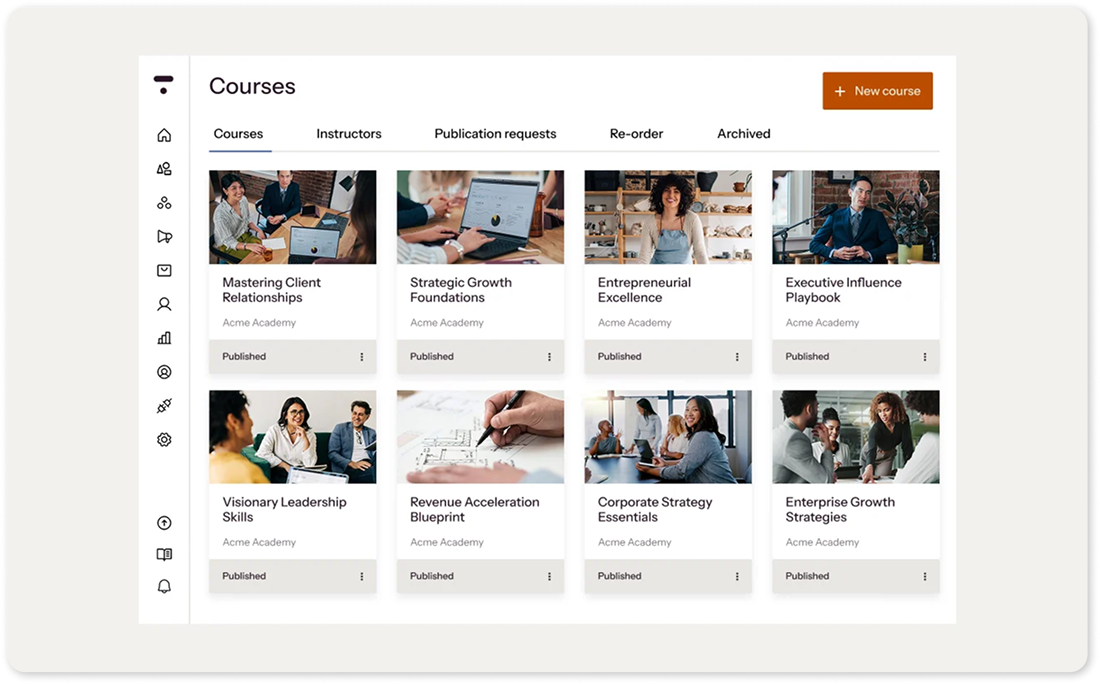
Thinkific is an online course authoring service that enables instructors, coaches, L&D professionals, and domain experts to create, market, and sell elearning content.
| Features | Course creation tools, website hosting, marketing tools, ecommerce support, and learner engagement tracking. |
|---|---|
| Pros | Easy-to-use course authoring features, support for monetization, and no platform transaction fees on core plans. |
| Cons | No permanent free plan. Limited design customization, with advanced features reserved for higher-tier plans. |
| Pricing model | Paid plans are available through tiered subscriptions, including Grow and Plus options for larger organizations. |
10. Zoho Learn
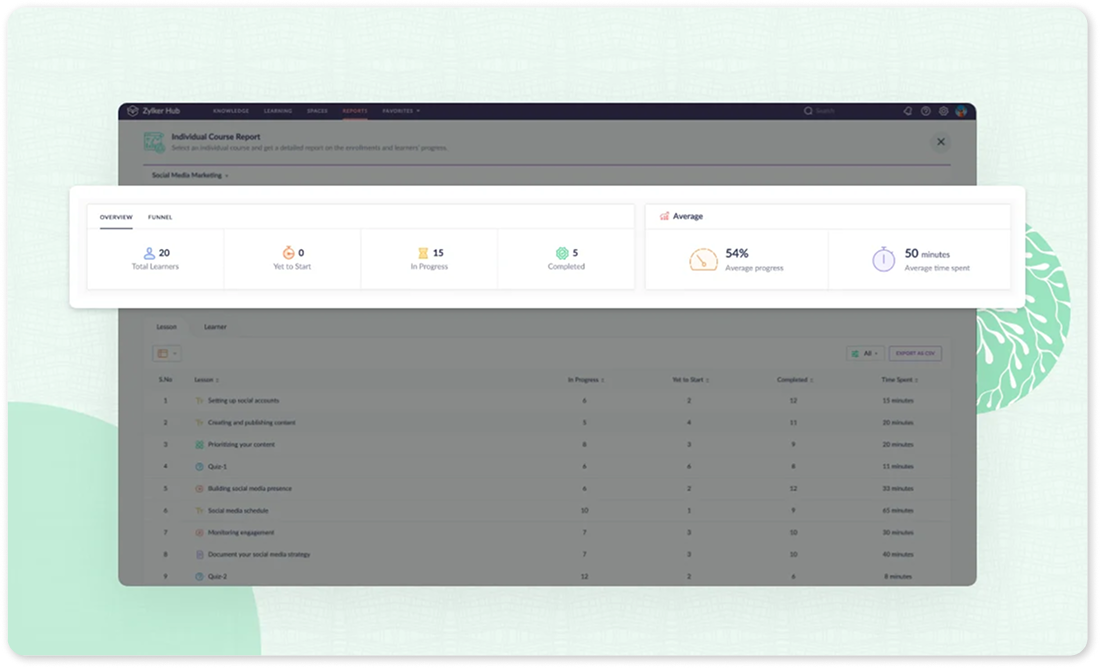
Zoho Learn is a training platform and knowledge base system for organizations. It can be used to create online courses and monitor training outcomes.
| Features | Course authoring, social learning, templates, course library, assignments, progress tracking, and mobile support. |
|---|---|
| Pros | Integrates seamlessly with other apps and services under the Zoho umbrella. |
| Cons | The free plan is limited to five users and five courses and lacks basic features like course reporting and custom portals. |
| Pricing | Free plan available for up to five users. Paid plans use a per-user subscription model. |
Buying guide for budget-friendly LMSs
When selecting a low-cost LMS, it’s important for small businesses to balance budget constraints with the features that best support their training goals. If you’re still building your shortlist, explore our guide to the best LMS for small businesses, which compares leading platforms for growing teams. Once you’ve narrowed down your options, start by identifying your organization’s specific needs, such as the number and type of learners, training objectives, the content you’ll deliver, and any integrations you require with existing systems, such as your HR software.
If you’re ready to evaluate your shortlist, check out our guide on how to choose an LMS for your small business for a step-by-step framework to help you compare platforms and make a confident decision.
At a minimum, a suitable LMS should include:
- An import/export function (especially if it doesn’t include a built-in course authoring tool)
- A content library
- User management features
- Reporting and analytics
To reduce risk, make sure the platforms on your shortlist also meet your organization's security, privacy, and compliance requirements.
Anything less may limit your training program over time and could even introduce unnecessary risk. It’s also worth remembering that free and entry-level plans typically include only core functionality. Features such as advanced reporting, premium support, custom branding, and greater customization are often reserved for paid plans.
Take advantage of free trials and free plans whenever possible. Testing a platform firsthand is one of the best ways to evaluate its features, usability, and overall fit for your organization.
It’s also worth prioritizing platforms with transparent pricing and no hidden costs. Many providers use tiered or per-user pricing that scales alongside your business. GoSkills, for example, offers progressive discounts on per-user pricing as your team grows.
Choosing the LMS That’s Best For You
Learn how to evaluate learning management systems against your unique needs.
Frequently asked questions about affordable LMS platforms
1. What’s the real difference between a free plan and a free trial?
A free plan doesn’t expire, but it typically limits the number of users, courses, or available features. An LMS free trial provides full access for a limited time before requiring a paid subscription. If you’re still exploring your options, starting with a platform that offers a forever free plan, such as GoSkills, lets you evaluate it at your own pace.
2. Do free or low-cost LMS platforms support compliance training and certifications?
Yes, many do, but the features vary by platform. GoSkills, for example, lets organizations create custom compliance courses, import SCORM content, automatically reassign refresher training on a recurring schedule, track learner progress, and issue certificates upon completion. Moodle and Sakai also support SCORM-compliant content, while free plans on some platforms, such as Zoho Learn and TalentLMS, may have reporting limitations if you need audit-ready completion records.
3. Can I move my content and learner data if I outgrow a free plan?
Most platforms, including GoSkills, let you upgrade your subscription without re-uploading your courses or learner data. Moving between different LMS platforms is another matter. In many cases, switching providers still requires manually rebuilding courses because direct migration tools remain limited. If you’re planning ahead, see our guide to LMS migration.
4. Is a self-hosted free LMS actually cheaper than a paid, hosted one?
Not always. Platforms such as Moodle and Canvas LMS don’t charge licensing fees for their self-hosted versions, but hosting, maintenance, security updates, and technical support all add to the total cost of ownership. If you don’t already have in-house technical expertise, a cloud-based LMS like GoSkills or TalentLMS may ultimately be the more cost-effective option.
5. How many users can I realistically train on a free LMS plan?
It varies considerably. GoSkills supports unlimited learners on its free plan, while Sakai is free to download and self-host. TalentLMS and Zoho Learn limit their free plans to five users, while SafetyCulture supports up to 10 users. If you expect your team to grow, reviewing each platform’s user limits upfront can help you avoid an unexpected upgrade sooner than anticipated.
Final tips for starting now
Many leading learning platforms, including GoSkills, offer a free plan alongside flexible monthly or annual pricing. That means you can start small and only pay for the features and licenses you need as your training program grows.
Remember, affordability is only part of the equation. The right LMS should also support your learning goals, engage your learners, and scale with your organization over time. By matching your training needs with the strengths of each platform, you’ll be well positioned to choose an LMS that delivers lasting value.
Boost your business
Get access to free courses and resources to unlock your business' potential — it only takes a minute!
Claim your free business account